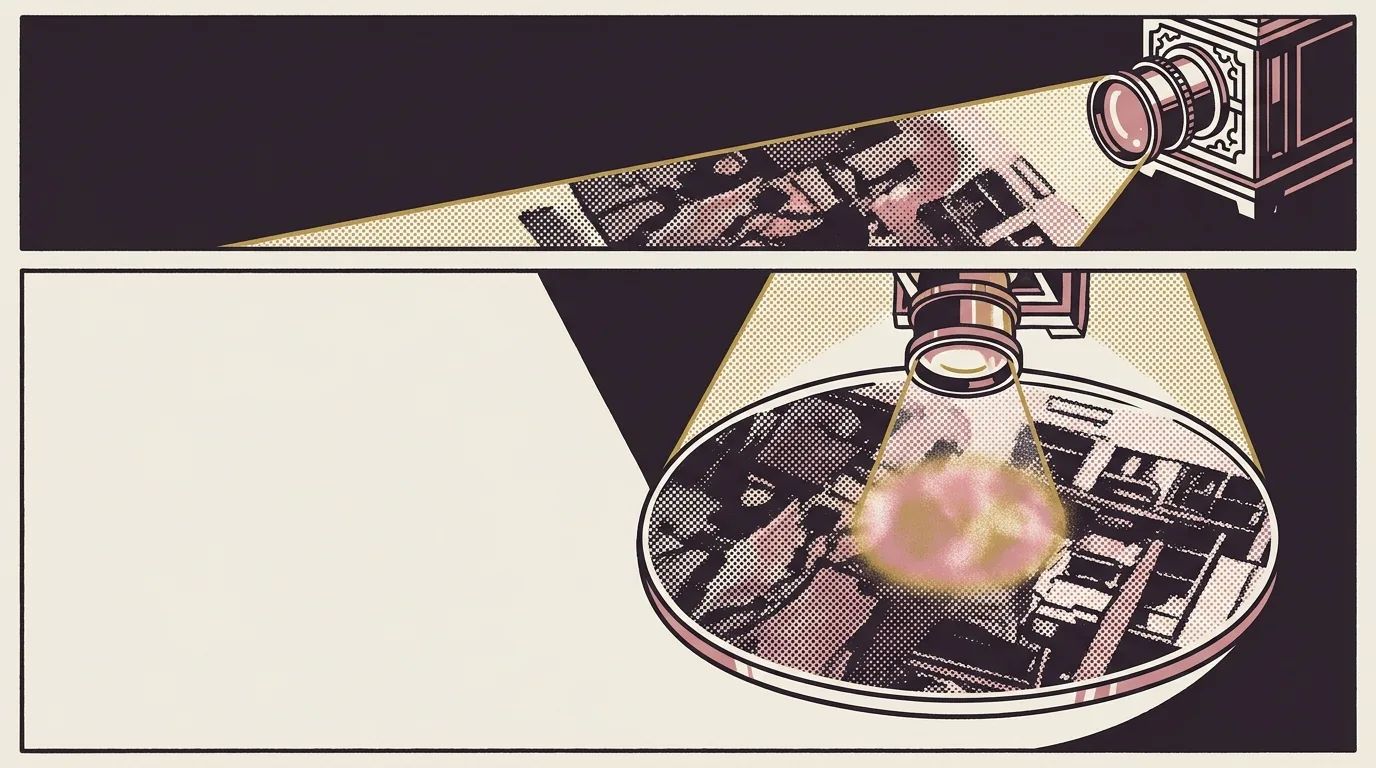
The portal was working. Spring panorama front: swirling cherry-blossom petal light-trails over neon Tokyo, 3904×1088. Behind it, winter: snowball fight, snow-laden blossoms, neon skyline at sunset. The spring layer carried a radial cutout, bass-masked, so when the sub-bass hit the hole opened and winter bled through underneath.
At the halfway point the scenes swapped. A bell swapOpen smoothed over ±50 frames drove holeR += swapOpen * 1500; the hole bloomed to near full-frame width, the panoramas exchanged roles, and the transition closed. The mechanics worked.
The centre was flat.
Not dark. Not broken. Just unremarkable against everything around it: the parallaxed background, the chromatic edges of the hole, the bass-driven opening. The most important visual point in the frame looked like it was behind glass rather than inside a light source.
The first instinct
Add something. A screen-blend spotlight, centred on the hole, radiating outward. The centre needed glow, so put glow there.
I built it. The centre brightened. It still read as decorated rather than luminous. You could see the layer sitting on top of the image, which made the image look like a background rather than a source. Which was the wrong model.
The mental model driving that instinct: image is content, glow is frame. Wrong. In a portal the image is the frame, and the light it implies is the same thing. Separate them into two layers and you get an image enclosed in its own glow rather than generating it.
What a light source actually looks like
When an object emits light, the brightest point is the surface itself. There’s no separation between the thing and the light it produces. A neon sign doesn’t have a glow layer on top of it. The sign is the glow. The spread into surrounding air is a consequence of the emission, not a decorative addition.
The screen-blend spotlight was building an approximation: take the image, add emitted-light simulation above it. The problem is the seam. Wherever the overlay starts and the image begins, the eye reads two surfaces. The centre looks like an illuminated painting rather than a source.
The direction: remove the screen-blend overlay and rework the composite so the image drove the brightness directly inside the hole. Not a glow about the image. The image as the glow.
Why screen blend fails at the bright end
Screen blend works by inverting both inputs, multiplying, and inverting the result. It always produces something brighter than either input alone. On mid-tones it pops cleanly. On highlights it runs out of room fast: if the underlying image is already at the high end of a channel, the blend has almost nowhere to push it.
The winter panorama’s neon skyline at the hole centre was the hottest part of the image, and it was washing out under the additional layer. Distinct reflections on snow became an undifferentiated bright patch. Meanwhile the darker areas around the snowball figures visibly brightened, compressing contrast in exactly the zone where you want it sharpest. The net effect was a flattening. The overlay was solving brightness by destroying the detail that communicated brightness.
Removing it restored the image’s natural contrast at the centre. The bright areas stayed bright; the shadow detail stayed dark. The centre started reading as the source of light rather than the recipient of it.
The compositing mechanics
The portal is a masked region. The front spring layer carries the radial cutout; the winter scene sits behind it. Making the image the glow meant letting the winter layer carry the visual weight at the hole centre without anything painted over it.
Without the screen-blend spotlight, the winter panorama’s own highlights became the luminous core. The neon skyline reflection on snow was already the brightest element in the winter image. It became the glow source by default. The snow-detail gradient around it provided the falloff from hot to cool without a synthetic radial.
The hole boundary handled the transition. At the cutout edge the spring layer composites over the winter layer, and where the masking feathers there’s a natural falloff. That reads as glow spreading into the surrounding spring scene. It isn’t synthetic glow; it’s the photographic edge between two scenes. It looks correct because both layers are photographs, and the transition between them is genuine.
Effect on the halfway swap
The swap compounded the original problem. At swapFrame = round(durationInFrames * 0.5) the portal blooms to maximum radius. With the screen-blend overlay present, the swap moment had two competing centres: the winter scene as intended subject, and the overlay still painting brightness over it as the hole expanded. As holeR grew, the spotlight followed, brightening the wrong things at the wrong moment.
Without the overlay the swap reads clearly. Winter fills the frame, its own light distribution carrying the centre while spring retreats to a boundary vignette. One image as source, one as frame. The transition is readable without needing to think about it.
What changed in the files
The winter panorama was replaced on the same day. 3.3 MB, 3904×1088, same dimensions as the spring layer. No scaling adjustment, no changes to BG_W or BG_H. The parallax and grade maths held. The only functional change was removing the screen-blend element from the hole centre and letting the image layer serve as the primary visual surface there.
One fewer compositing element. Cleaner render. Better result.
The principle
If something looks flat and the instinct is to add a glow, check first whether the glow is compensating for a compositing decision that was wrong from the start.
The screen-blend spotlight was solving a genuine problem at the wrong layer. The centre was dull, but the fix belonged elsewhere. It treated the image as background material that needed dressing, when the image was the thing that should have been doing the visual work. Accumulating corrective layers buries the primary surface. Then you start treating the correction as primary, which is when the seams start showing.
The winter neon skyline is a better glow source than any radial gradient I could have painted over it. It already existed. Using it directly removed the problem and one element from the render tree in the same commit.

