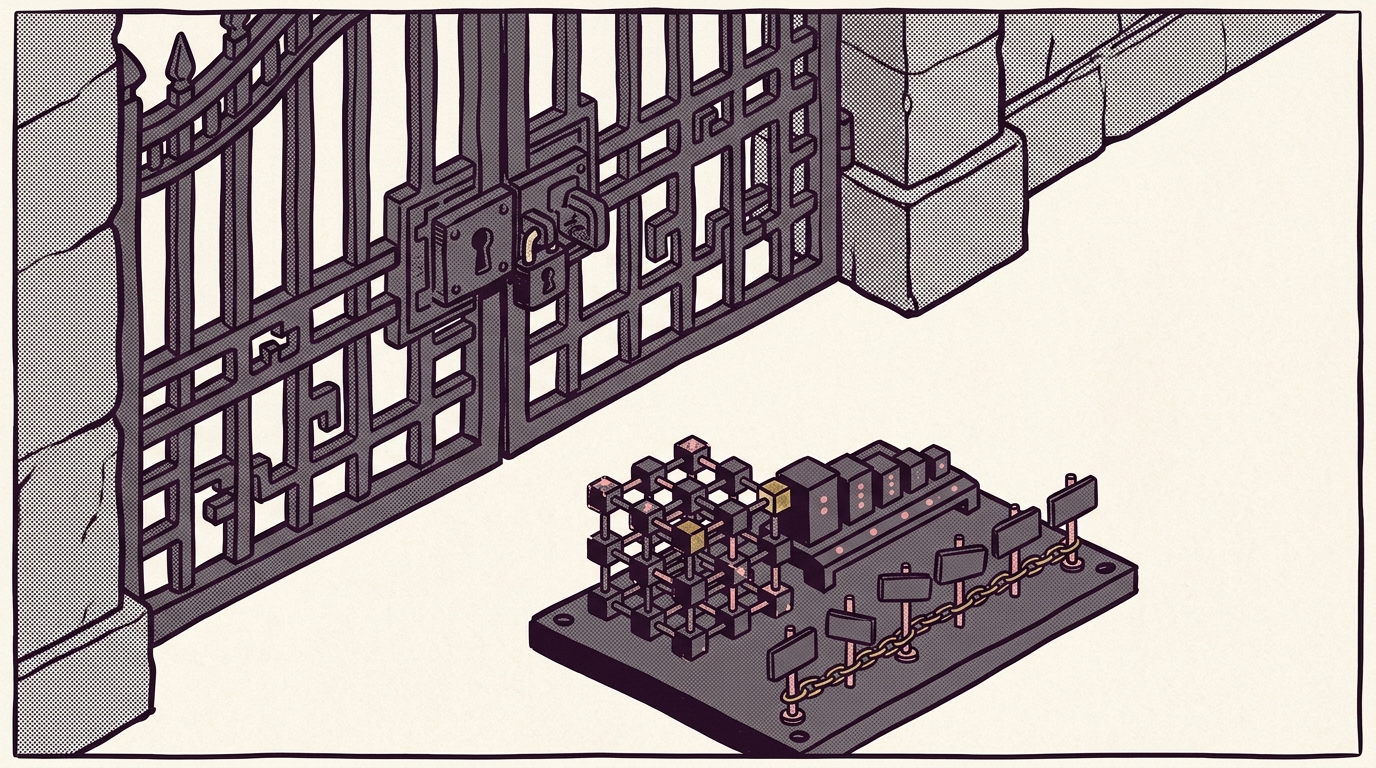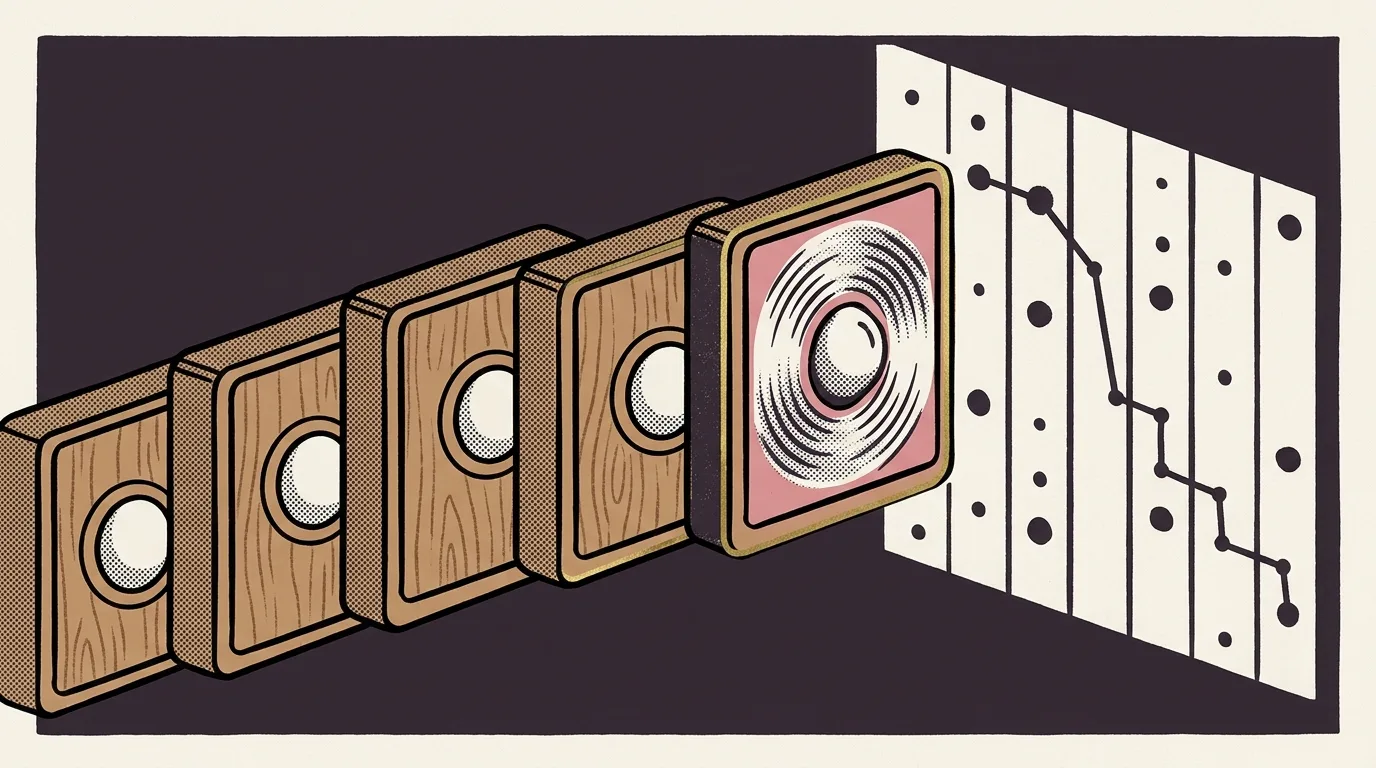
The mockup file was scratchpad/learning-toc-mockup.html. It didn’t approximate scroll-spy behaviour. It ran a live IntersectionObserver against the real heading structure of a chapter page, highlighting the active entry in the right rail as the viewport crossed each threshold. That was the gate. If the behaviour worked in the prototype, the component shipped as a client island. If the static version was acceptable, it wouldn’t.
The behaviour worked. P4 shipped as the only client island in the navigation overhaul.
The overhaul ran six phases.
What the six phases were
P2 was hub-level. Track sections on the learning hub page, plus S1 JSON-LD for structured data. First full UI gate since hub v1. Static markup. The hub shows you where to go, not where you are.
P3 was the course sidebar, a persistent chapter rail on every chapter page. Every chapter page now lets you see the full chapter list and jump without returning to the hub. The active chapter is derivable from the URL at render time. No runtime state required. The devlog calls it the biggest browsability lift in the plan, and it needed no client-side code to deliver that.
P4 was the in-chapter TOC, closing N2 in the navigation spec. The “on this page” right rail with IntersectionObserver scroll-spy. The one place where runtime state (your scroll position) directly drives the UI.
P5 was prerequisite chips: the N1 “Read first ↵” links at the chapter head. conventions.md called this the single highest-value navigability fix in the spec. Landing P5 closed the top three items in B-037.
P6 was site-wide search via Pagefind, the final phase, closing the spec. Pagefind builds a static index at deploy time; the search widget calls into it client-side. There’s a client slice, but it’s Pagefind’s complexity to own.
That’s P0 through P6. One client island.
Why P4 needed it
The value proposition of the in-chapter TOC is scroll-tracking. You read down a long technical chapter; the active section in the right rail updates. The server doesn’t know where in the page you are. It knows the headings exist. That’s not enough.
You could ship a static TOC: a list of anchor links, no highlighting. Legitimate call; plenty of documentation sites make it. The decision to add scroll-spy is a trade-off: one client island in exchange for a TOC that shows you where you are, not just where you could go. For long technical chapters, the trade earns its keep. Out of scope: building this without JavaScript, which is either a CSS scroll-driven-animation experiment or a dropped requirement.
The island is small. One component file. Its surface is the heading list it receives as props and the scroll container it observes. Nothing else on the page reads its state. That last property is what keeps the island from propagating.
What keeping the surface at one means
One client island means one custom keyboard-interaction audit.
Tab into the TOC. Check that focus rings are visible and that the list doesn’t trap. That’s the audit. Half an hour, maybe less.
Everything else is server-rendered HTML with anchor links: the sidebar, the prerequisite chips, the search entry point. Tab order follows document order. Nothing moves on focus. Nothing manages focus programmatically except the TOC’s own list. The browser’s default keyboard handling is correct, so the default keyboard handling is what ships.
The contrast with a proliferated-island approach is worth stating once. Each client island is a candidate focus trap. Each manages its own focus state and can get it wrong in its own specific way. Each keyboard interaction pattern is custom, which means custom testing rather than trusting browser defaults. Six islands means six surfaces to audit. Interaction between islands compounds the problem further. An interactive sidebar managing focus on top of a scroll-tracking TOC is not just two audits added together; the order in which they receive focus, the way one’s state might influence the other’s rendering, those require combined testing.
The accessible-by-default story applied to five of six phases without any deliberate accessibility work. That’s the payoff. Not a principled stance declared at the start. It’s the shape left by phases that each asked whether the behaviour genuinely required a client runtime.
Why the prototype made the question answerable
The UI gate runs before implementation: interactive mockup in the browser, explicit sign-off, then code. Every phase went through it. Each phase had a natural point to ask whether the behaviour worked without JavaScript.
P2’s hub mockup was static layout. No JS needed.
P3’s sidebar mockup derived the active chapter from the URL at render time. The prototype showed that was sufficient. RSC.
P4’s TOC mockup had the IntersectionObserver running from the first commit. The scroll-spy was the reason the component existed; the prototype confirmed the behaviour justified the island.
P5’s chips had nothing to animate. Parse frontmatter, render links. Server component.
P6’s search mockup (scratchpad/learning-search-mockup.html) ran against the real Pagefind index. The interaction was Pagefind’s to handle.
Mockup-first makes the client-or-server decision cheap. You make it while looking at working behaviour, not a spec description. If the prototype works without JS, ship without JS. If not, the island earned its place before you wrote a line of code. P4 is a client island because the prototype didn’t work without the IntersectionObserver. That’s the whole decision tree.
The spec is closed
docs/specs/learning-hub/navigation.md is marked SHIPPED P0–P6. The devlog entries for 2026-07-02 and 2026-07-03 have the per-phase decisions: what each mockup confirmed, what landed as specced, what the live IntersectionObserver looked like before the component existed.
The pattern that came out of the six phases isn’t in the spec. The spec describes the navigation structure to build. The pattern is what the build taught: default to server render, reach for the client only when a working prototype says you have to. The accessibility outcome is one reason to prefer it.