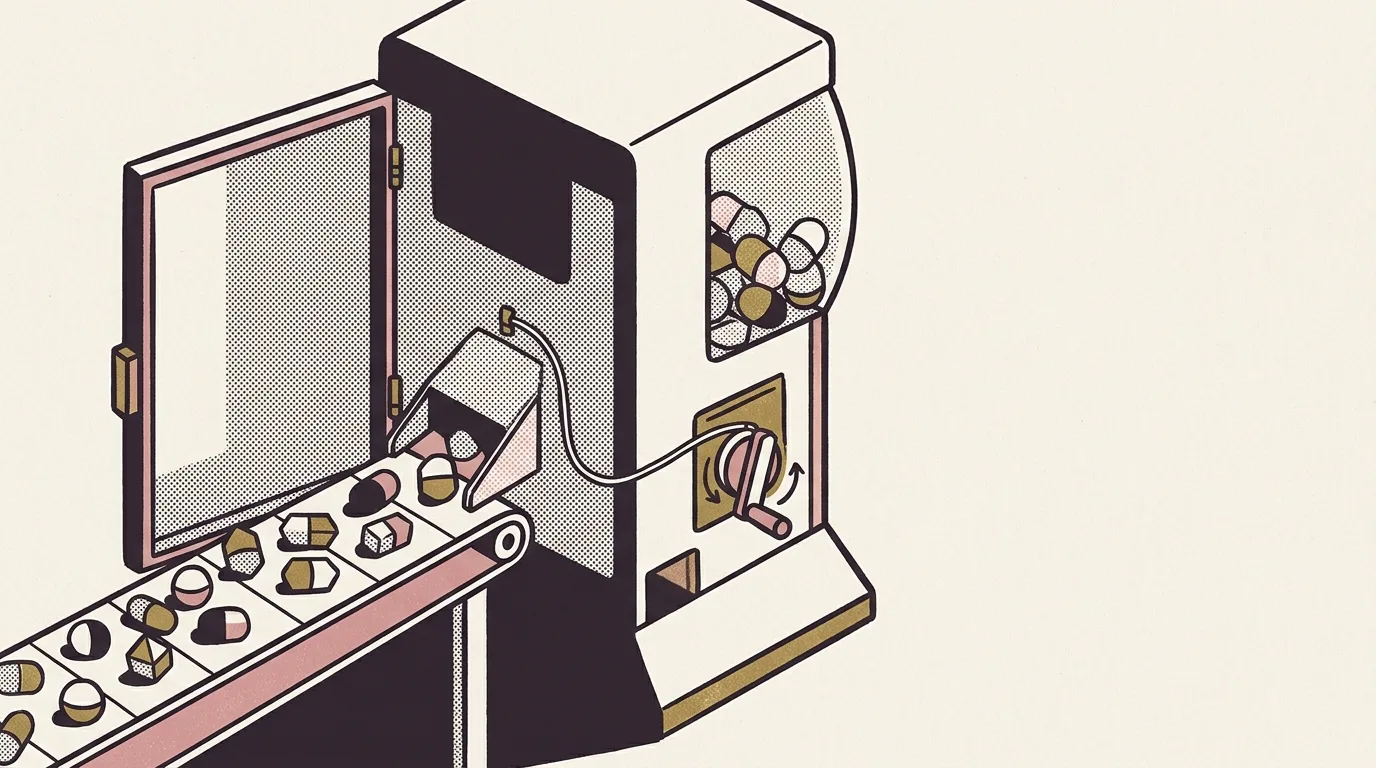
The mockQuests array was hardcoded. Fixed labels, fixed targets, fixed descriptions. Load the app after a week of eating out every day: same quests. Load it after a month of zero discretionary spend: same quests. The Cursed Energy gamification layer in an iOS budget app had the right visual grammar (progress rings, claim buttons, a streak counter), but none of it was wired to anything. It looked like feedback. It wasn’t.
Phase C replaced that array with QuestGenerator.
What the old approach was doing wrong
A quest system that doesn’t read from behaviour can only prompt generically. “Save £15 today” works as a nudge if coffee spend has been creeping up. It means nothing on a week of zero spend. The problem with mockQuests wasn’t that the quests were badly designed. The problem was that the same quests appeared regardless of what you’d actually done, which is the definition of chrome. The gamification layer was an aesthetic layer. It wasn’t modelling anything.
The fix isn’t complicated in principle: read the transaction history, surface patterns, turn those patterns into quests. The complication is in the implementation. How do you make that generation logic testable without a live database? How do you avoid regenerating quests the user has already claimed?
QuestGenerator: pure, transaction-aware
QuestGenerator is a pure type. It takes transaction history and claim state and returns up to four quests for the day. No database access, no side effects. The purity isn’t aesthetic. It lets the generation logic be exercised against in-memory fixtures, and the daily cap of four quests bounds how much the UI asks of the user at once.
The claim state input is equally load-bearing. A quest the user has already claimed doesn’t re-emit. That sounds obvious, but it’s the failure mode of naïve implementations: every app load regenerates the full quest set, claimed quests reappear, the claim button can fire again. Passing claim state into the generator and filtering at generation time closes that off.
Three quest types
Phase C shipped three quest types. Each reads from a different slice of transaction history.
StreakBreaker triggers when any payee appears five or more times in transaction history. The intent is pattern surfacing, not judgement. If a single payee has crossed the threshold, naming it in a quest makes the pattern visible. Whether the user decides to change anything is their call; the quest’s job is to show the pattern exists.
categoryBudgetQuest triggers when a spending category has three or more outflow transactions in the last seven days with total spend at or above £20. The category with the largest total wins. Both conditions, recurrence and volume, are deliberate. A single large purchase is not a pattern. You need the count and the spend. If eating out shows four transactions totalling £63 this week and clothing shows two totalling £89, eating out gets the quest. The count condition rules clothing out regardless of volume.
SaveX fires against a per-user daily save target. Before Phase C, that target was a constant.
Save target as a real preference
UserProfileStore gained dailySaveTarget: a Decimal, Published, defaulting to £15, persisted as a Decimal-string in UserDefaults. The Decimal type is correct for a currency field. Double accumulates floating-point error on money values and the bugs surface in edge cases far enough down the line that you’ve forgotten where the rounding came from. The Published wrapper means the quest UI updates reactively when the target changes.
SaveX reads dailySaveTarget at generation time. A user who sets a £30 daily target now gets a quest calibrated to £30. Before this change, they got a quest calibrated to £15. The same devlog entry closes Dynamic Type display handling for the save target UI: a size clamp so the layout survives the largest system text sizes without truncating the figure.
Streak milestones
The streak counter (consecutive days with at least one logged transaction) now triggers a flame-themed overlay at specific crossings: 7, 14, 30, 60, and 100 days.
StreakMilestones is pure. crossed(previous:current:) -> Int? returns the highest milestone crossed between two streak values, or nil if no threshold was cleared. The before-and-after comparison is the load-bearing choice. Test against the current count and the overlay fires on every render once past the threshold. Compare the transition and it fires once per crossing.
The flame metaphor is already the streak UI’s visual language. The overlay extends it rather than introducing new grammar.
Phase N: detail screens and the check-in fix
The three Home gamification blocks (Quests, Level, and Streak) were non-interactive labels before Phase N. Tap the Quest card: nothing. Tap the Level ring: nothing. Tap the Streak block and hit “Check in”: the transaction entry form opened.
That last one was the clearest device-QA failure. Check-in and transaction logging both confirm engagement, but they’re different actions. Check-in records that you’ve engaged with the streak for the day. A transaction adds a ledger entry. Phase N separated them. Device-QA items 1, 2, and 3, all from the same Home gamification row, are closed. The detail screens behind each block are now real views.
What the shift means
A gamification layer that reads from behaviour can surface a pattern you didn’t know you had. StreakBreaker calls out a payee you’ve visited repeatedly without registering the frequency. categoryBudgetQuest picks the fastest-accumulating category this week. SaveX uses the target you’ve actually set. When a quest appears, something in your transaction history triggered it. When it doesn’t, the pattern isn’t there.
mockQuests was the same every day. It couldn’t tell you anything about what you’d done, because it didn’t read from what you’d done. QuestGenerator does. The UI looks the same: same cards, same claim button, same progress ring. The functional difference is whether the system is watching.
That distinction matters for a budgeting app. The whole premise of a money-tracking UI is that surfacing information changes decisions. A gamification layer that doesn’t track spending can offer streaks and badges and a satisfying claim animation. A gamification layer that does track spending can point at the coffee shop you’ve been to fifteen times this month. One of those is decoration.
Phase C built the infrastructure for the second kind. Three quest types is a start, not a ceiling. The generator is the constraint: new types have to read from history to fit the model. The pattern is set.
Out of scope
categoryBudgetQuest surfaces one category per day: the highest-spend one. Multi-category quests on the same day aren’t in scope. The four-quest daily cap is the current answer to how much is too much.
The daily save target lives in UserProfileStore and persists to UserDefaults. There’s no settings screen for it yet. A future UI sprint will close that.
Milestone history isn’t stored. The overlay fires; the crossing isn’t logged to a persistent record. That’s a gap if you want to show a user when they crossed each threshold. For now, the celebration is the record.


